Step-by-Step Guide to Setting Up Ableton Templates for Mastering
 By Freddie HarbFebruary 16, 20231 min read
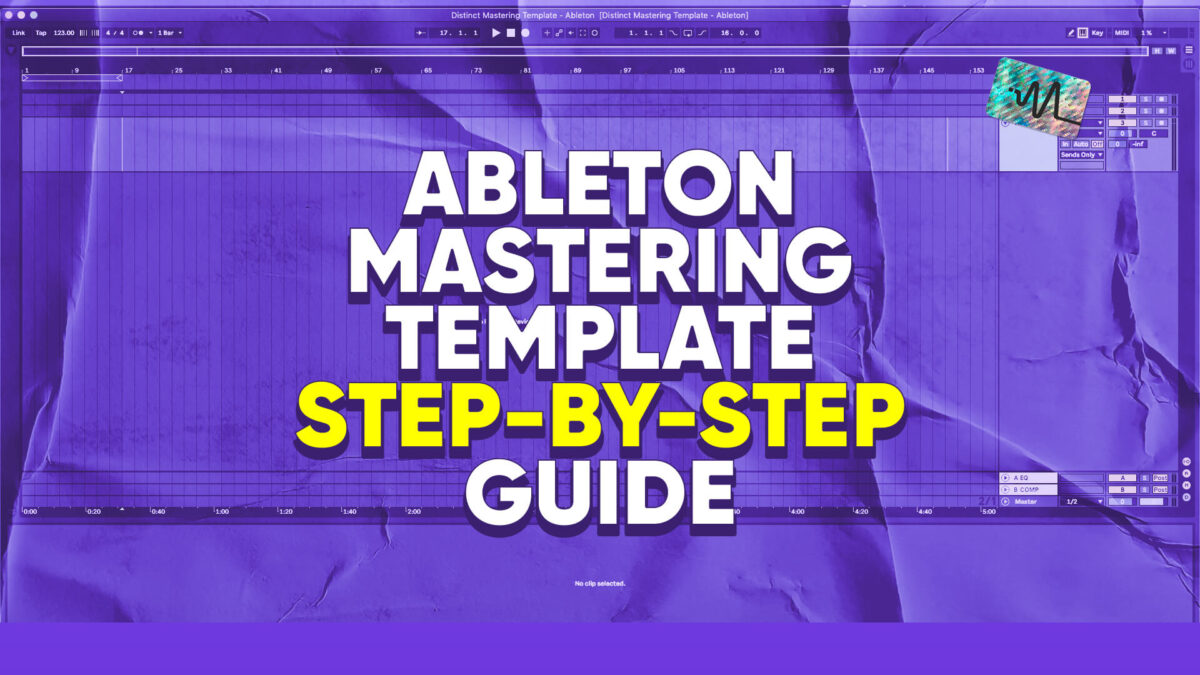
Mastering can be intimidating, especially if you’re not sure where to start. That’s why I have created this tutorial on mastering set-up made easy. I’ll be showing you how to set up Ableton templates for mastering. Whether you’re a beginner or an experienced audio engineer, these templates can save you time and help you get professional-quality results. I’ll walk you through the process step-by-step and show you how to customize your templates to fit your specific needs. By the end of this video, you’ll be well on your way to mastering like a pro! Download my Ableton mastering template.
Thanks for watching this video on Ableton mastering templates. Make sure to grab the free download below.
Want the setup I use? It is yours, free.