Speed Up Your Ableton Workflow With These Tips!
 By Freddie HarbMarch 16, 20231 min read
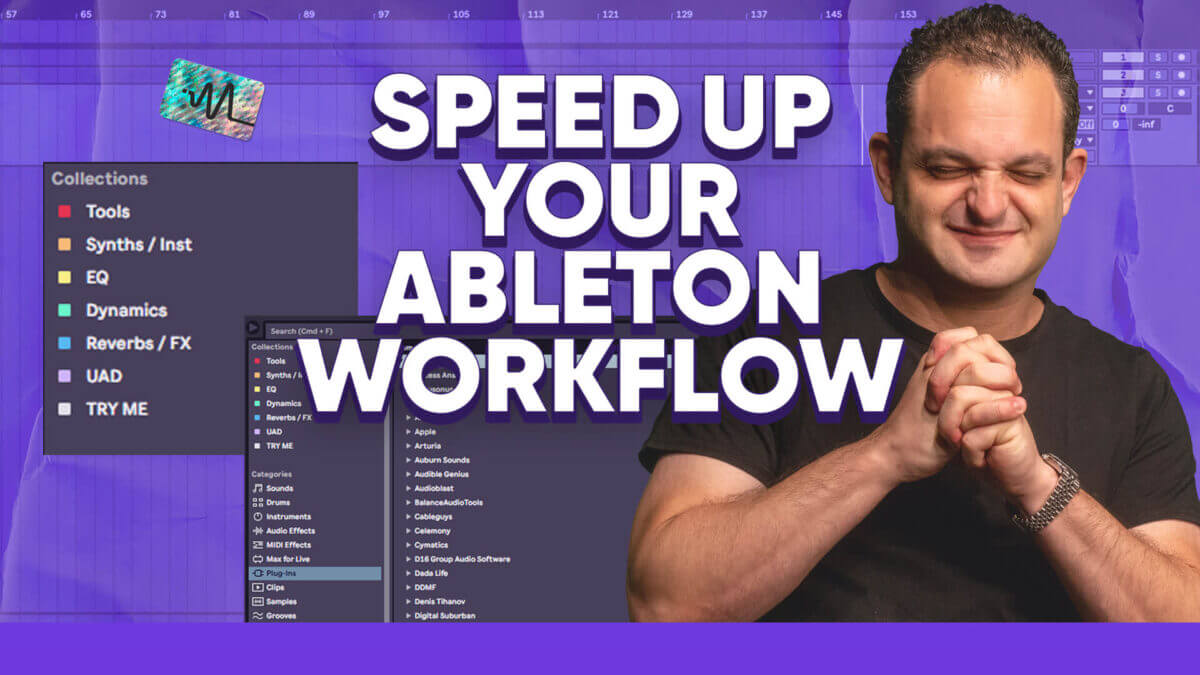
In this video, I will share 9 life-changing Ableton organization tips. You might know some of these but some of them perhaps you’ve never seen before. You’ll learn how to keep your sessions organized, easily access your files and optimize your workflow. These tips will help you streamline your Ableton workflow and boost your productivity. With these tips, you’ll be able to work faster, more efficiently, and with more creativity than ever before. I go over everything from the Ableton Sidebar, to Collections, Templates, Default Tracks Sends, Markers and more!
Thanks for watching this video on Ableton organization tips. Make sure to grab the free download below.
Want the setup I use? It is yours, free.