Sound Selection Tips for Producers – How to Choose Sounds That Go Together
 By Freddie HarbMarch 31, 20212 min read
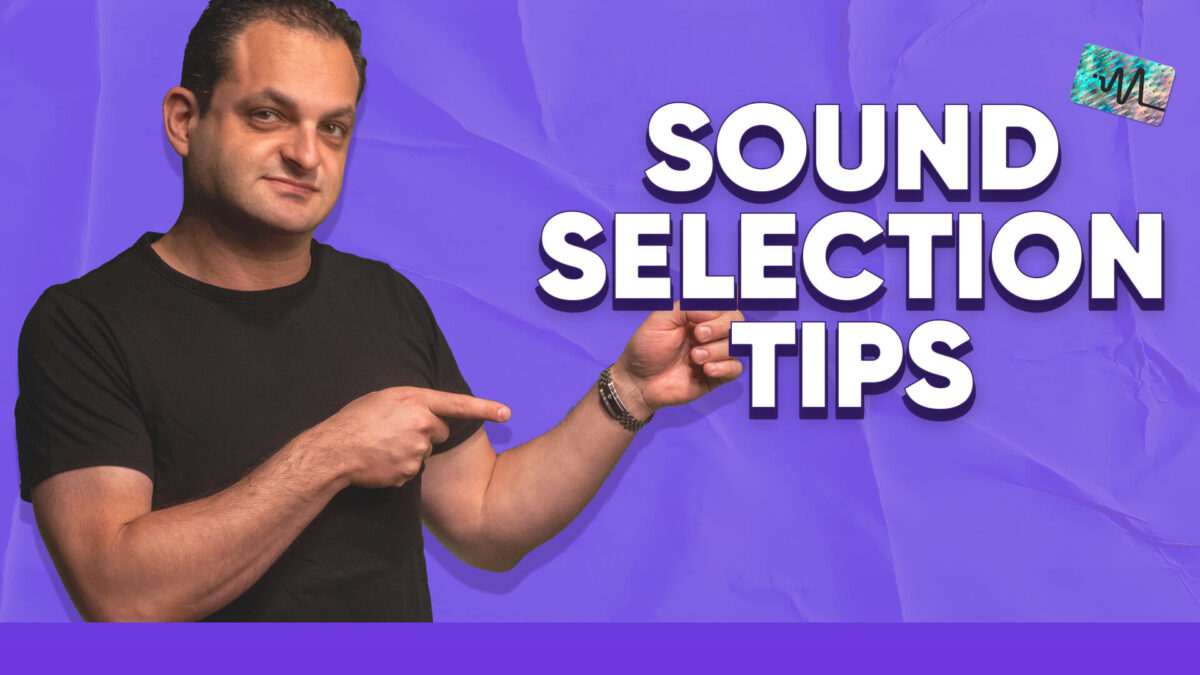
In this video, Freddie from Distinct Mastering goes over some sound selection tips for producers and gives examples on how to choose sounds that go together. Picking the right sounds in your productions is crucial to getting the quality that you might be lacking. Wondering why some of your sounds might be thin? Music production is all about the selections at the start of the production process and utilizing some of these tips can help make your productions stand out.
#TimeStamps
0:00 Start
00:33 Use Quality Sounds
00:48 Tune Your Sounds
01:03 Sounds That Are Too Alike
01:35 Layer with Intent
02:05 Shape Your Sounds
02:39 Carve Space
02:57 Turn Off Effects on Presets
#StepByStep
Use Quality Sounds – Using quality sounds is extremely important to getting top-quality productions in your music.
Tune Your Sounds – Tuning your sounds can drastically change the way sounds fit together in your mix. If things are out of tune it can cause problems.
Sounds That Are Too Alike – Picking sounds that are too alike will create a mess and not give enough separation between elements in your mix.
Layer with Intent – Layering sounds can enhance your music, but when trying to layer try to layer with sound characteristics in mind.
Shape Your Sounds – Pay attention to the actual shape of your sounds. This will affect how sounds interact with each other and can create groove in your music.
Carve Space – As you start to stack sounds on top of each other you need to make sure to carve space in the frequency spectrum so everything sits well in the mix.
Turn Off Effects on Presets – Sometimes turning off effects on presets can clean them up so they sit better with other sounds. You can then add your own processing after.
Thanks for watching this video on improving your music production skills. Make sure to subscribe on YouTube HERE.
Want to hear what this sounds like on your own music?
Hear your track mastered, free.
Send me your mix. I'll master the whole track, you hear it in full quality in your private player, and we talk it through on a 15 minute call.
Get a free sample