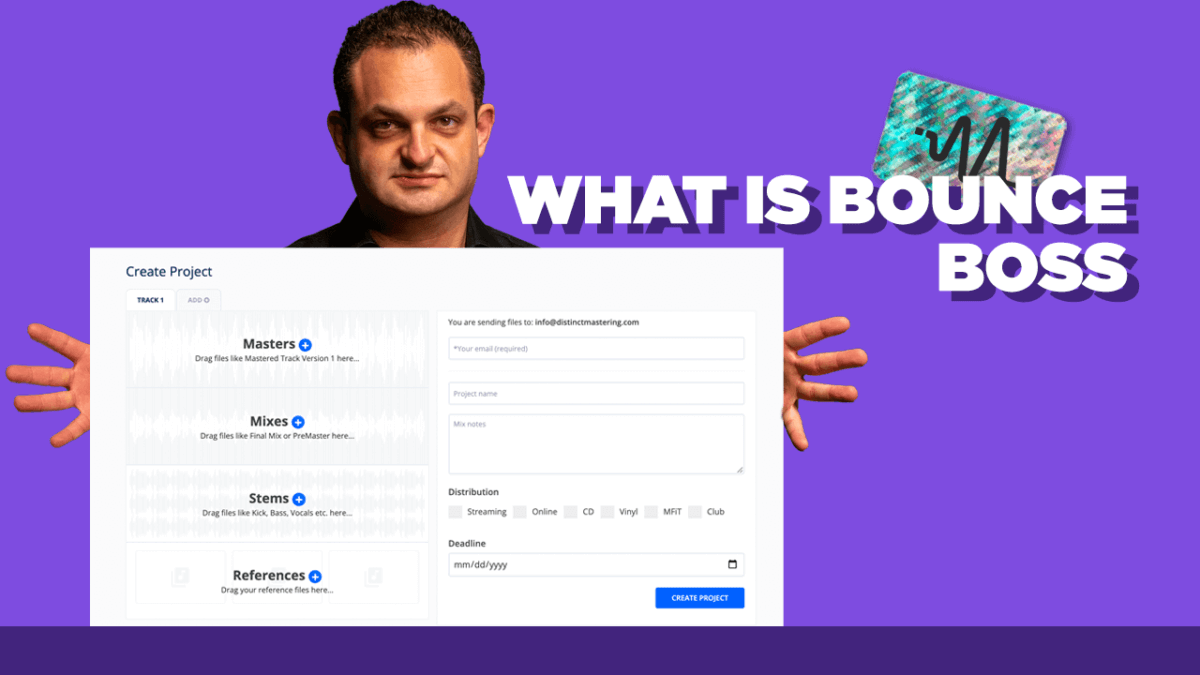
How to Prepare a Mix for Mastering – Stereo Mastering
 By Freddie HarbDecember 10, 20202 min read
In this video, Freddie from Distinct Mastering shows you how to prepare a mix for mastering services – stereo mastering.
#TimeStamps
0:00 Start
00:20 Track Preview
00:52 Eliminate Noise
01:20 Leave Silence at the Beginning and End
02:00 Remove Plug Ins on Master Buss
02:27 Leave Enough Headroom
03:33 Remove Dithering
03:55 Export in the Proper Format
04:50 Provide A Reference Track
05:29 Send the Track
#StepByStep
Eliminate Noise – Make sure to eliminate any clicks, pops and noises from your session. Make sure you clean up your session
Leave Silence – Make sure you leave some space before exporting your track at the beginning and at the end of the song. This ensures that we have enough space to put fades and transitions. Make sure to not cut off any reverb tails at the end.
Remove All Plug Ins On Master – Make sure you remove all processing on the master buss. We are going to apply processing to your master two track mix so we want everything turned off
Leave Headroom – Make sure to leave some headroom on your master fader when exporting. Around -6 dB is perfect, but you can leave a little less. Less is better than more.
Remove Dithering – If your DAW has a dithering function make sure to turn that off before exporting.
Export in Proper Format – Make sure you export the track at the original session bit depth and sample rate. The higher the better but once the session was created you cannot go up. Do not downgrade either.
Provide a Reference Track – Make sure to include a reference track or two. This gives us a roadmap to where you want to go and can hep us determine if we need to adjust your mix in any way to get there.
Send the Files – Once complete, zip everything up, leave us an inquiry and send that zip over to us and we can get started on your stereo master.
Thanks for watching and make sure to subscribe on YouTube HERE for tips and tricks.
Want the setup I use? It is yours, free.