How To Chop Drums In Ableton
 By Freddie HarbFebruary 24, 20221 min read
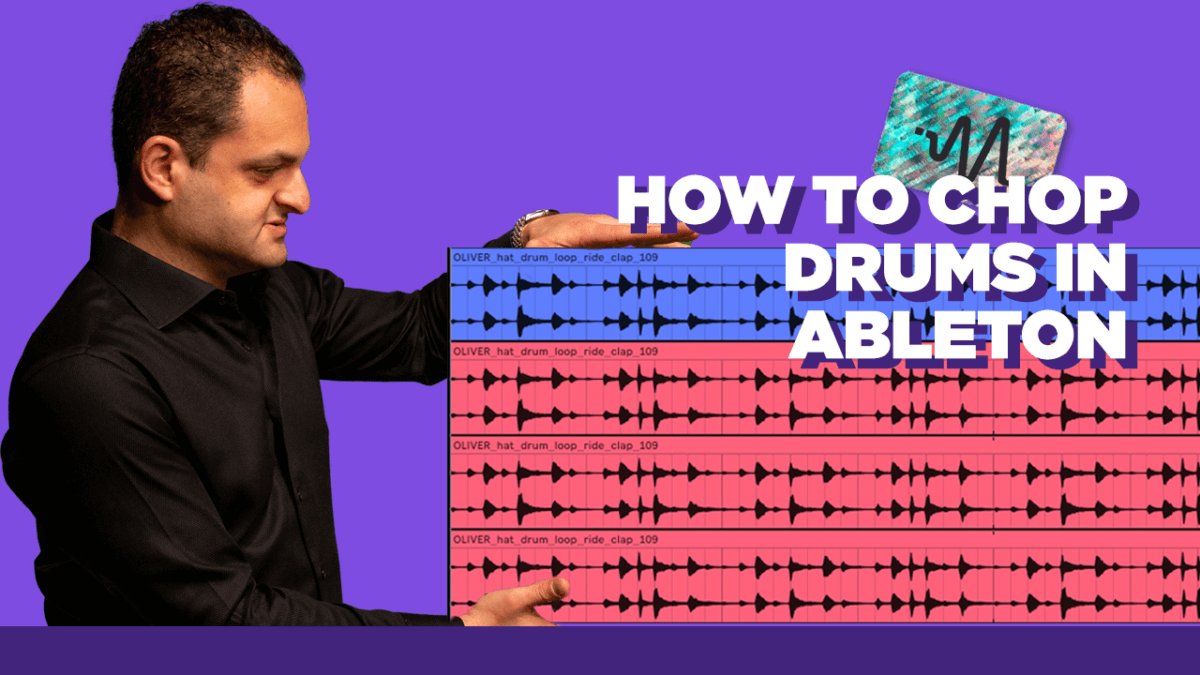
Drum loops are great for adding texture and background but if you use full loops your limited in what you can actually do in the mixing stage with panning, volume, EQ, effect sends and more. Today I share how I use Ableton’s clip automation to slice up loops and give me more control in the mixing stage.
#TimeStamps
0:00 Start
00:37 Introduction
02:37 Using Clip Automation
#StepByStep
Introduction – An introduction explaining how drum loops can be limiting.
Using Clip Automation – With clever clip automation you can slice up drum loops and extract samples.
Thanks for watching this video on chopping drum loops and samples in Ableton Live. Make sure to subscribe on YouTube HERE.
Want the setup I use? It is yours, free.