Get Rid of Ableton Latency Issue…Now!
 By Freddie HarbMarch 22, 20231 min read
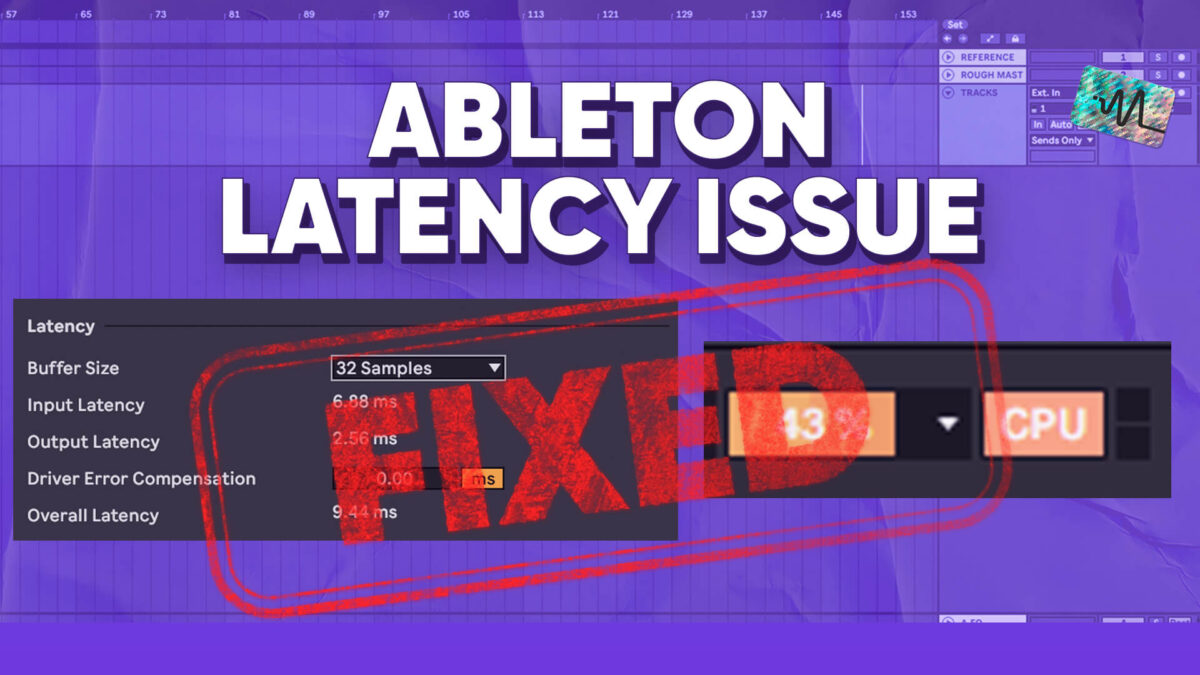
In the video, I walk you through the steps to optimize your computer’s settings and configure Ableton Live to reduce latency while recording. You will learn about the factors that contribute to latency and how to adjust them, including buffer size, sample rate, and the use of external audio interfaces. The video provides valuable information and techniques for reducing latency and improving the performance of your digital audio workstation. By following the steps outlined in the video, you will be able to reduce latency and achieve a more seamless and enjoyable recording experience.
Thanks for watching this video on Ableton Latency Issues. Make sure to grab the free download below.
Want the setup I use? It is yours, free.