Ableton Live Utility – Ableton Live 11 Tutorial
 By Freddie HarbJuly 15, 20211 min read
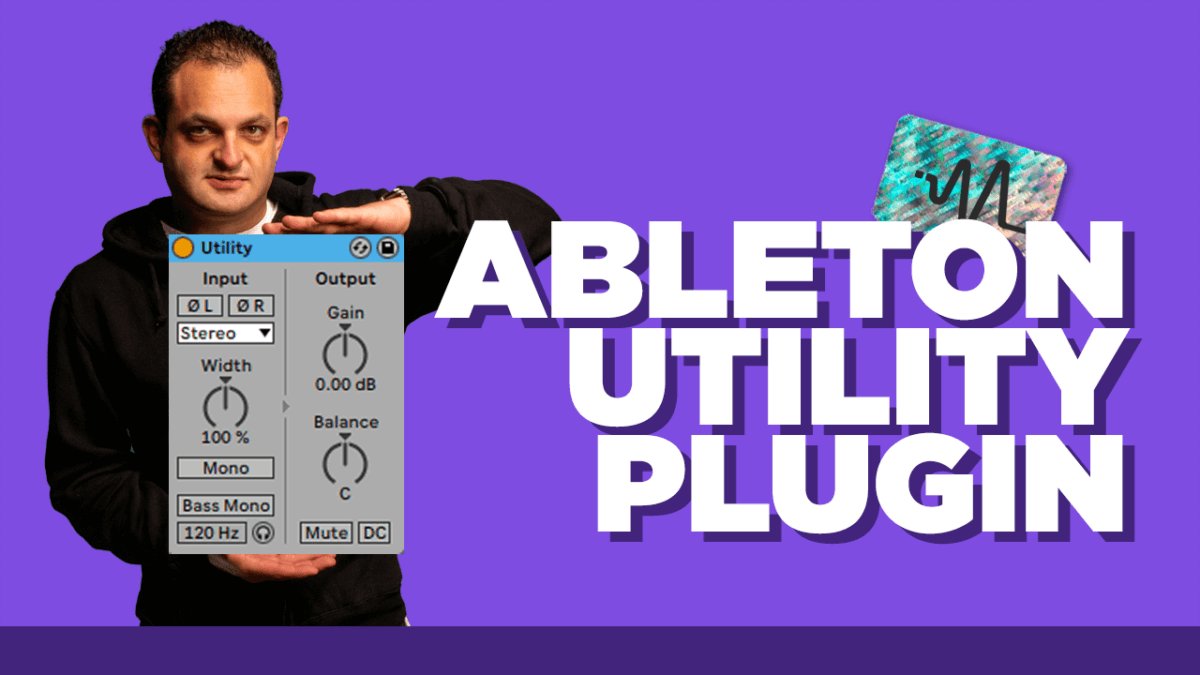
In this video I discuss the Ableton Live Utility plug in. This plug in is a very handy tool if you get to know how to use it. I go over some my my advanced tips while using this plug in so if you’re an Ableton user this is not one you want to miss!
Ableton’s Utility does exactly what the name implies. The amount of applications and usability are tremendous, especially if you get creative. You can use it to simply mono your sounds, mono your low end, control width, eliminate a side, flip audio phaseand even automate volume, pan or mutes. Not sure how all this works, then check the video out to learn more!
Timecodes
0:00 Start
00:36 Ableton Live Utility Overview
01:37 Audio Phase Button
02:13 Mono Button
02:39 Bass Mono Button
02:53 Gain Automation
#StepByStep
A brief overview of Ableton’s Utility plug in
How you can use Utility to change audio phase
How the bass mono button acts as a mid/side EQ
One of my tricks to automate gain using Ableton’s Utility
Thanks for watching this video on the Ableton Live Utility plugin. Make sure to subscribe on YouTube HERE.
Want the setup I use? It is yours, free.